Skip to content

Malware awareness resources

Free posters, staff tips and ready-to-send comms for putting in front of people who do not work in security. Written for Australian workplaces, no vendor pitch, and licensed so you can just use them.

Licence: CC BY 4.0

Print it, put it on a wall, put it in an induction pack, edit it, translate it, add your own logo, hand it to a client. No permission needed, no cost, no sign-up. Keep the attribution line and you are done. Most vendor collateral has terms vague enough that a cautious organisation cannot use it at all, which is the whole reason this page exists.

Also here

  • Poster generator

    Put your organisation’s name on any of the posters below and print it. Nothing stored, no sign-up.

  • Avoid malware, and what to do if you click

    Plain-English tips written for people who do not work in IT. Link it or paste it.

  • Ready-to-send comms

    Copy-paste emails and intranet notices. New starters, post-incident, awareness month.

  • October kit

    A four-week schedule for Cyber Security Awareness Month, using what is on this page.

Posters

A3 portrait, and they scale cleanly to A4 or A2 because they are vector. Two versions of each: dark for screens and digital signage, light for printing, because an A3 of solid near-black drinks toner and nobody will thank you for it.

Printing this page gives you the light versions, one per sheet, with the real typeface. The SVG downloads use a fallback face when opened outside a browser, so print from here if you want them exactly as designed.

  • Before you install it

    All staffLightViewDownloadDarkViewDownload

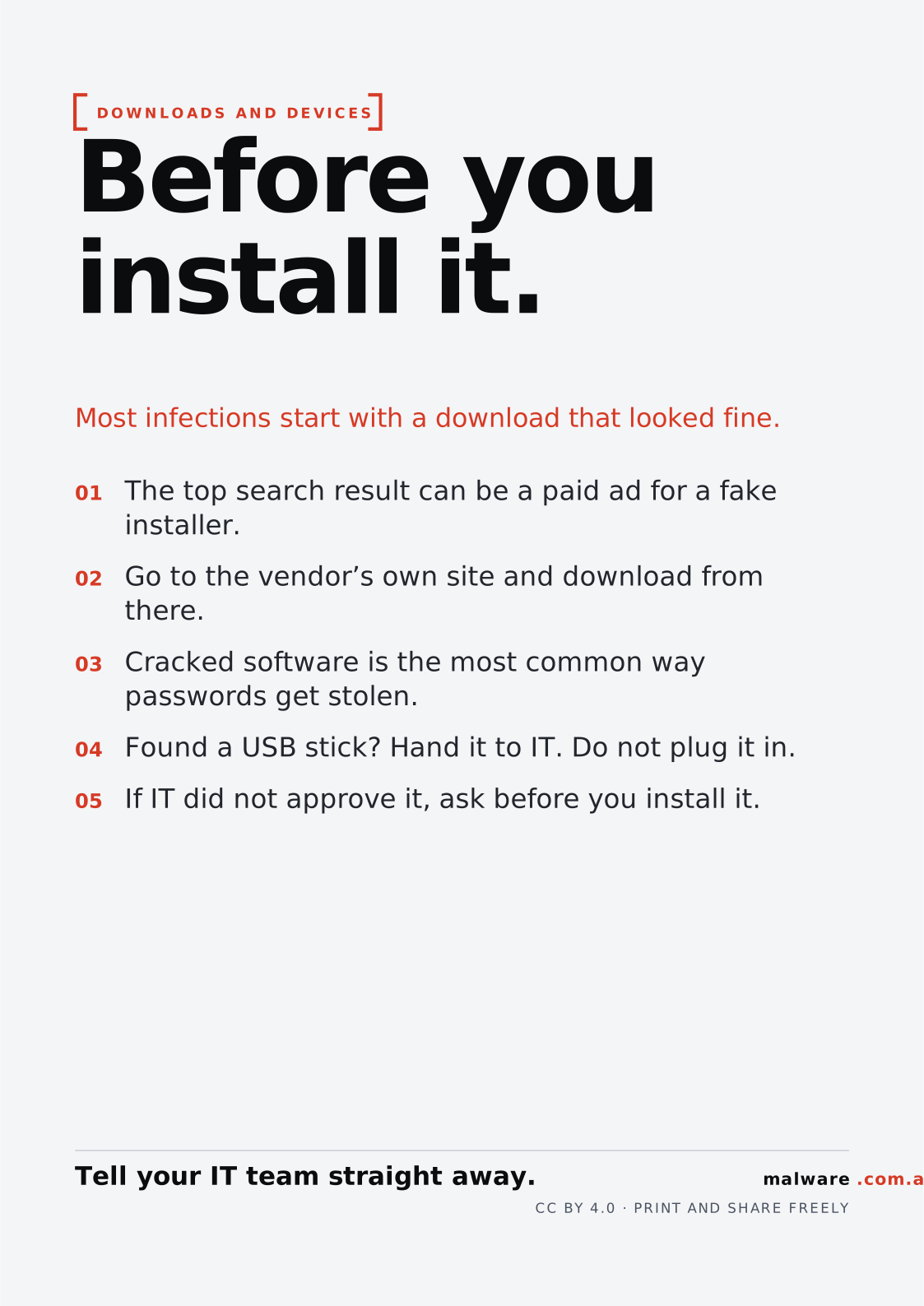
    DOWNLOADS AND DEVICESBefore youinstall it.Most infections start with a download that looked fine.01The top search result can be a paid ad for a fakeinstaller.02Go to the vendor’s own site and download fromthere.03Cracked software is the most common waypasswords get stolen.04Found a USB stick? Hand it to IT. Do not plug it in.05If IT did not approve it, ask before you install it.Tell your IT team straight away.malware.com.auCC BY 4.0 · PRINT AND SHARE FREELY
    DOWNLOADS AND DEVICESBefore youinstall it.Most infections start with a download that looked fine.01The top search result can be a paid ad for a fakeinstaller.02Go to the vendor’s own site and download fromthere.03Cracked software is the most common waypasswords get stolen.04Found a USB stick? Hand it to IT. Do not plug it in.05If IT did not approve it, ask before you install it.Tell your IT team straight away.malware.com.auCC BY 4.0 · PRINT AND SHARE FREELY
  • Not all MFA is equal

    All staffLightViewDownloadDarkViewDownload

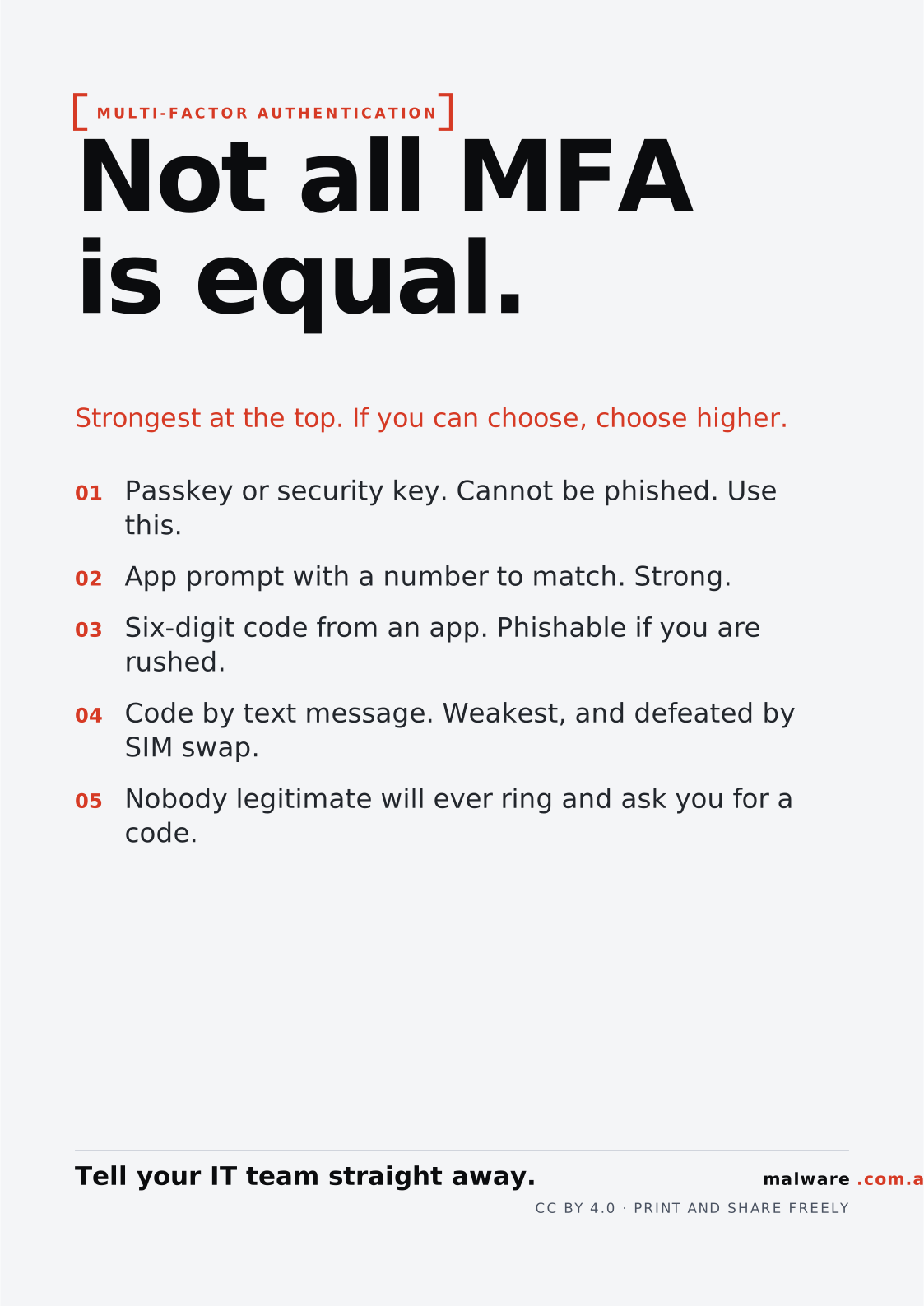
    MULTI-FACTOR AUTHENTICATIONNot all MFAis equal.Strongest at the top. If you can choose, choose higher.01Passkey or security key. Cannot be phished. Usethis.02App prompt with a number to match. Strong.03Six-digit code from an app. Phishable if you arerushed.04Code by text message. Weakest, and defeated bySIM swap.05Nobody legitimate will ever ring and ask you for acode.Tell your IT team straight away.malware.com.auCC BY 4.0 · PRINT AND SHARE FREELY
    MULTI-FACTOR AUTHENTICATIONNot all MFAis equal.Strongest at the top. If you can choose, choose higher.01Passkey or security key. Cannot be phished. Usethis.02App prompt with a number to match. Strong.03Six-digit code from an app. Phishable if you arerushed.04Code by text message. Weakest, and defeated bySIM swap.05Nobody legitimate will ever ring and ask you for acode.Tell your IT team straight away.malware.com.auCC BY 4.0 · PRINT AND SHARE FREELY
  • Six signs it is phishing

    All staffLightViewDownloadDarkViewDownload

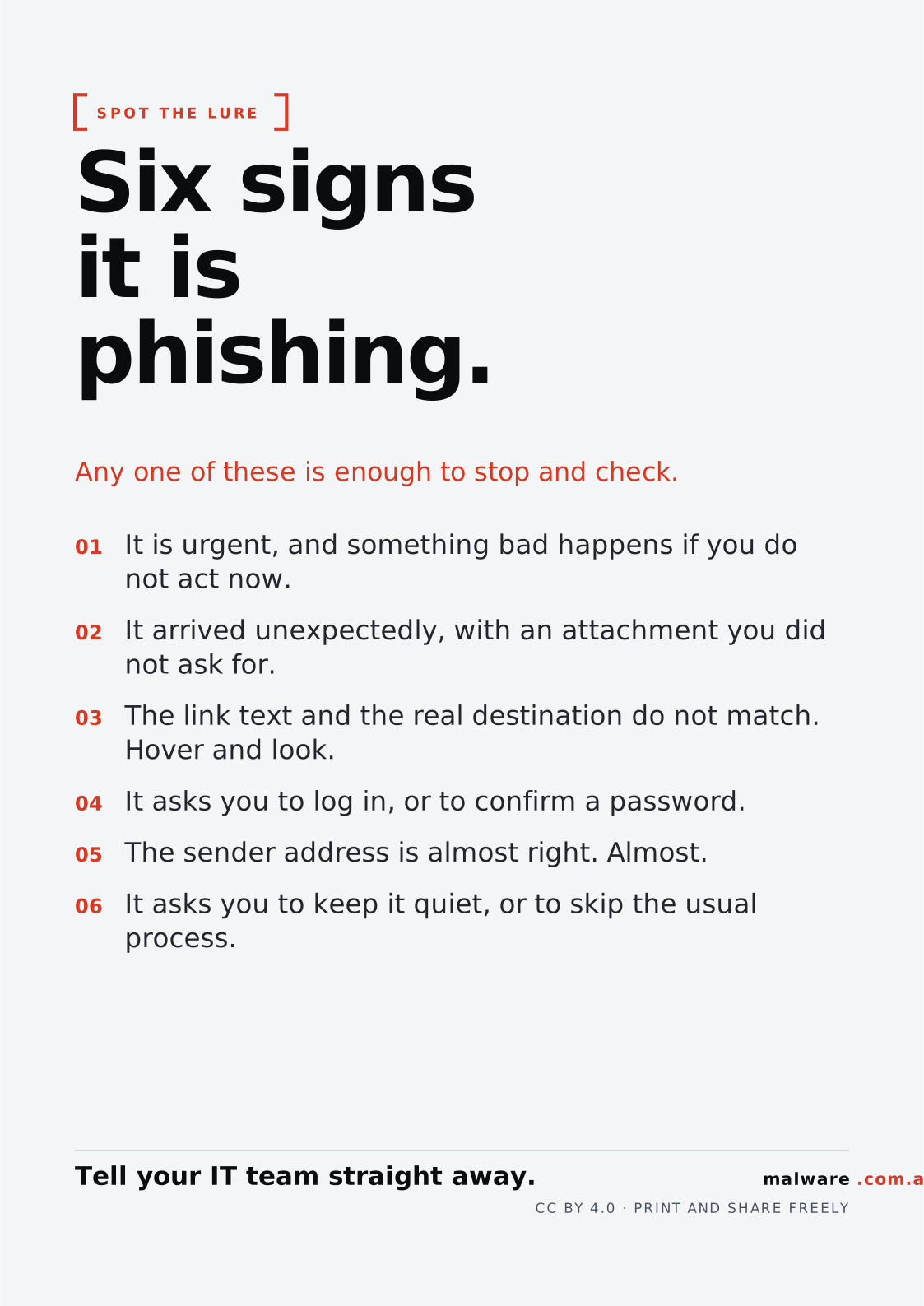
    SPOT THE LURESix signsit isphishing.Any one of these is enough to stop and check.01It is urgent, and something bad happens if you donot act now.02It arrived unexpectedly, with an attachment you didnot ask for.03The link text and the real destination do not match.Hover and look.04It asks you to log in, or to confirm a password.05The sender address is almost right. Almost.06It asks you to keep it quiet, or to skip the usualprocess.Tell your IT team straight away.malware.com.auCC BY 4.0 · PRINT AND SHARE FREELY
    SPOT THE LURESix signsit isphishing.Any one of these is enough to stop and check.01It is urgent, and something bad happens if you donot act now.02It arrived unexpectedly, with an attachment you didnot ask for.03The link text and the real destination do not match.Hover and look.04It asks you to log in, or to confirm a password.05The sender address is almost right. Almost.06It asks you to keep it quiet, or to skip the usualprocess.Tell your IT team straight away.malware.com.auCC BY 4.0 · PRINT AND SHARE FREELY
  • Stop. Check. Report.

    All staffLightViewDownloadDarkViewDownload

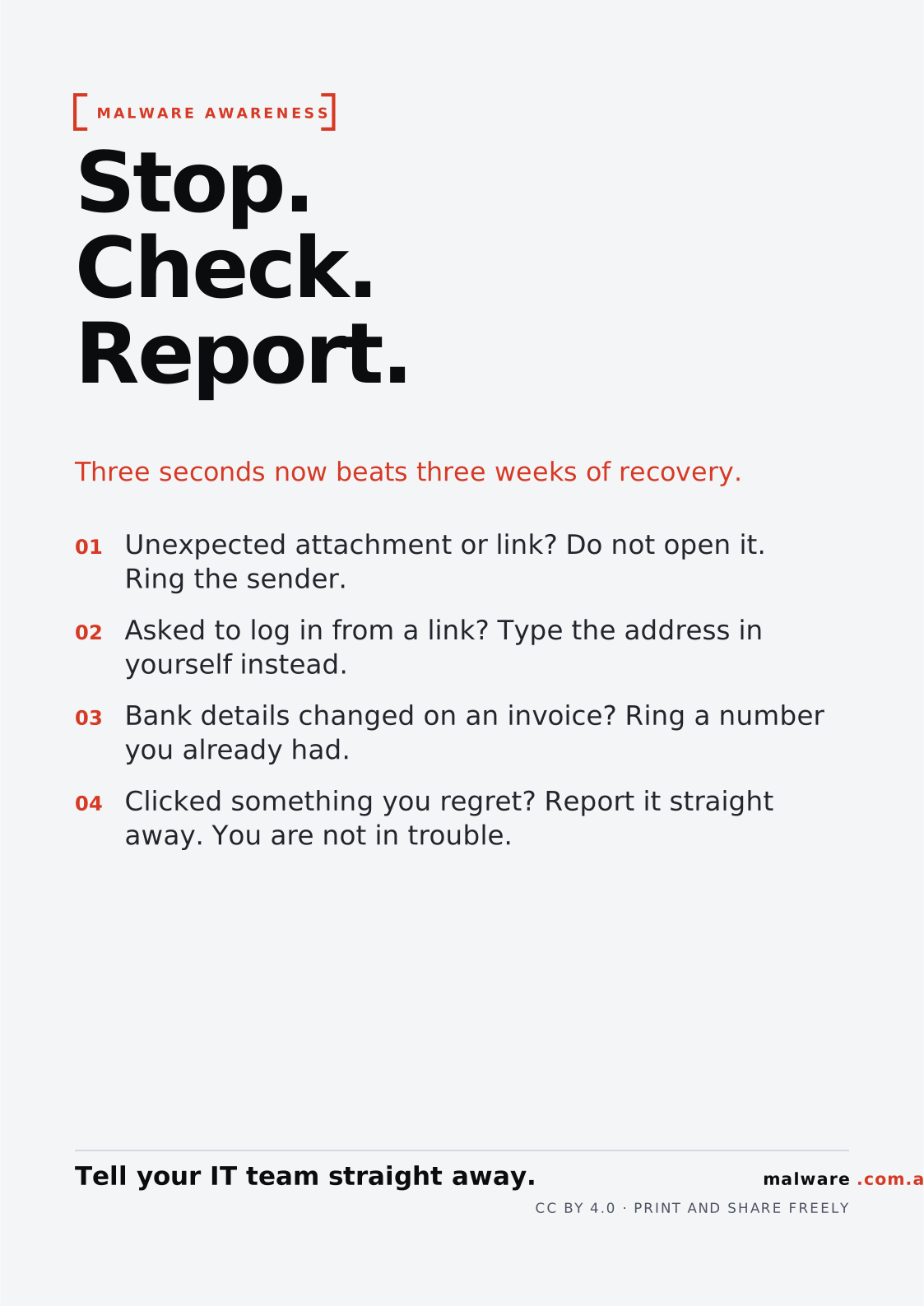
    MALWARE AWARENESSStop.Check.Report.Three seconds now beats three weeks of recovery.01Unexpected attachment or link? Do not open it.Ring the sender.02Asked to log in from a link? Type the address inyourself instead.03Bank details changed on an invoice? Ring a numberyou already had.04Clicked something you regret? Report it straightaway. You are not in trouble.Tell your IT team straight away.malware.com.auCC BY 4.0 · PRINT AND SHARE FREELY
    MALWARE AWARENESSStop.Check.Report.Three seconds now beats three weeks of recovery.01Unexpected attachment or link? Do not open it.Ring the sender.02Asked to log in from a link? Type the address inyourself instead.03Bank details changed on an invoice? Ring a numberyou already had.04Clicked something you regret? Report it straightaway. You are not in trouble.Tell your IT team straight away.malware.com.auCC BY 4.0 · PRINT AND SHARE FREELY
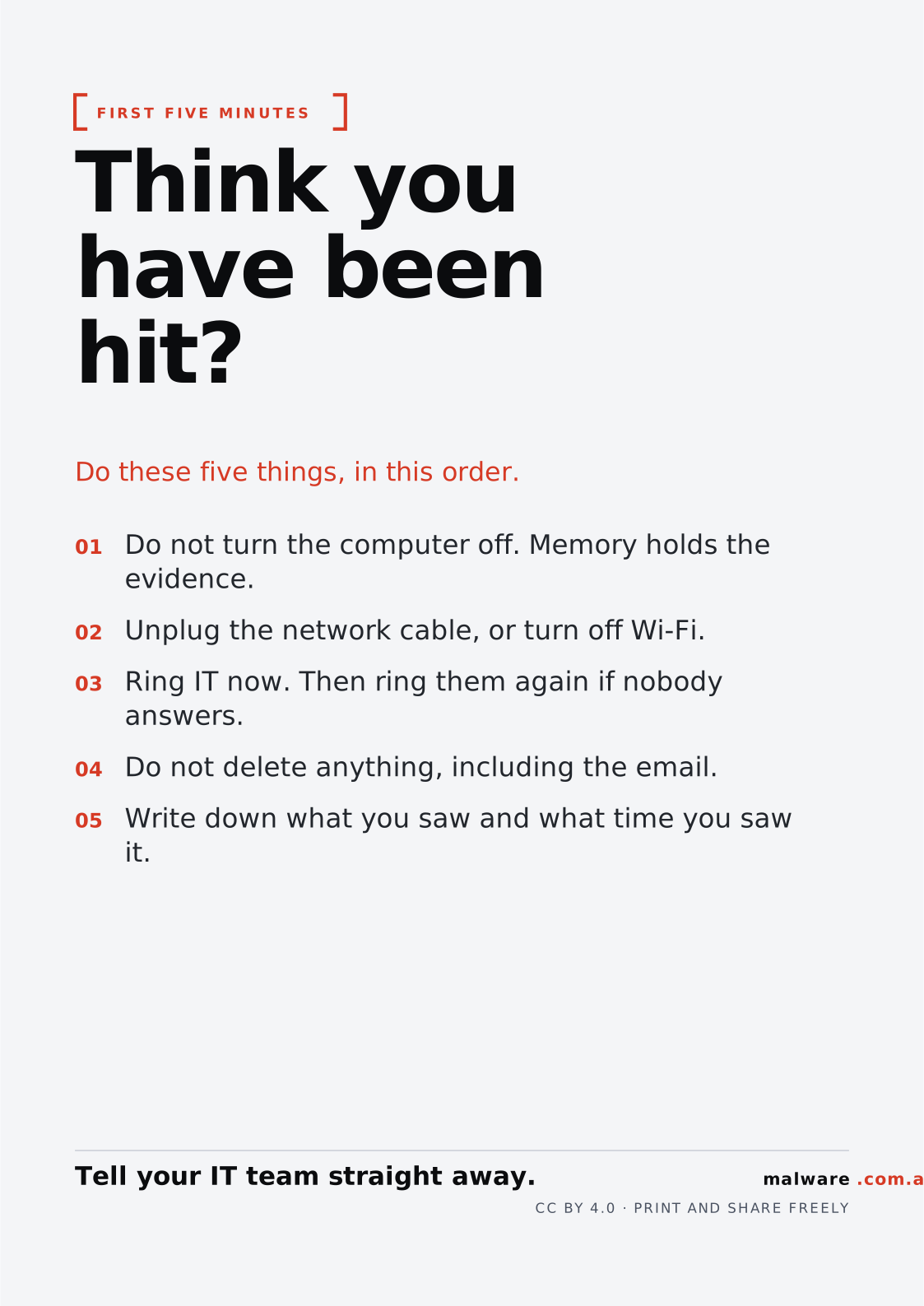
  • Think you have been hit?

    All staffLightViewDownloadDarkViewDownload

    FIRST FIVE MINUTESThink youhave beenhit?Do these five things, in this order.01Do not turn the computer off. Memory holds theevidence.02Unplug the network cable, or turn off Wi-Fi.03Ring IT now. Then ring them again if nobodyanswers.04Do not delete anything, including the email.05Write down what you saw and what time you sawit.Tell your IT team straight away.malware.com.auCC BY 4.0 · PRINT AND SHARE FREELY
    FIRST FIVE MINUTESThink youhave beenhit?Do these five things, in this order.01Do not turn the computer off. Memory holds theevidence.02Unplug the network cable, or turn off Wi-Fi.03Ring IT now. Then ring them again if nobodyanswers.04Do not delete anything, including the email.05Write down what you saw and what time you sawit.Tell your IT team straight away.malware.com.auCC BY 4.0 · PRINT AND SHARE FREELY

Want one that is not here?

The posters are generated from a single data file, so a new one is a few lines of text rather than a design job. If there is a message your organisation needs and it is generally useful, it is worth adding.